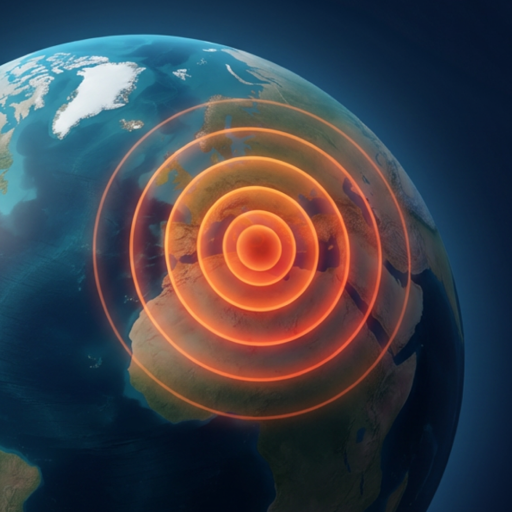
Earthquake Alerts
by Radius
Only get notified about earthquakes that are actually close to you. Define a radius around any location — home, work, family — and filter out everything beyond it.
Set Up Radius AlertsChoose your alert radius
Five preset distances let you match the alert zone to your situation and seismic risk level.
Immediate surroundings — city-level awareness. Ideal for users in highly seismic zones like Istanbul, Tokyo, or Los Angeles.
Regional coverage. Covers major earthquakes that may affect infrastructure 50–100 km from your location.
Sub-national zone. Captures significant earthquakes across a large region — useful for travel planning.
Country-scale coverage. Monitor seismic activity across an entire country or adjacent border regions.
Continental range. Covers entire tectonic plates and is useful for early warning of potentially tsunamigenic events far away.
Why radius matters for earthquake alerts
Without radius filtering
- ✗Hundreds of alerts per day worldwide
- ✗Earthquakes in places you've never been
- ✗Alert fatigue — you start ignoring them
- ✗No practical safety benefit
With radius filtering
- ✓Only alerts for earthquakes near you
- ✓Actionable, relevant seismic information
- ✓Typically 1–10 alerts per week (vs. hundreds)
- ✓You actually read and act on each one
Radius AND magnitude — both conditions must match
A notification is only sent when the earthquake satisfies both your distance and magnitude settings simultaneously. This AND logic keeps alerts rare and meaningful.
Your radius setting
100 km
Your magnitude setting
M 3.5+
Alert sent when
Quake is both within 100 km AND is M3.5+
Frequently asked questions
How is distance to the earthquake calculated?
Distance is calculated from the earthquake's epicenter (surface projection of the focus) to your saved pin location using the Haversine formula — great-circle distance on the Earth's surface. This is the standard method used by USGS and seismological agencies.
Can I set different radii for different locations?
Yes. Each saved location in Earthquake Globe has its own radius and magnitude settings. For example, you could set 100 km / M3.0 for your home and 500 km / M5.0 for a city where family lives.
Does a larger radius mean more notifications?
Yes, a larger radius captures more earthquakes. To manage notification volume, increase the magnitude threshold when using larger radii. For example, 1,000 km radius with M5.5 minimum gives you important far-field events without spamming you.
Can I use radius alerts for tsunami awareness?
Radius alerts can provide early warning of large offshore earthquakes that may trigger tsunamis. A 500–1,000 km radius with M6.5+ threshold will catch most potentially tsunamigenic events in your ocean basin.
How accurate is the radius boundary?
The radius filter is calculated with standard Haversine great-circle accuracy (within a few km for typical earthquake monitoring ranges). For earthquakes right at the radius boundary, you may or may not receive a notification depending on the exact epicenter coordinates published by USGS.
Set your radius. Get only what matters.
Free for iPhone. No account. No subscription. No ads.
Download on the App Store